

Microsoft Copilot Gets a Major Redesign With New AI Work Modes
Table of Contents
Microsoft is expanding Microsoft Copilot beyond traditional chatbot functions with a redesigned experience aimed at helping people complete more complex workplace tasks.
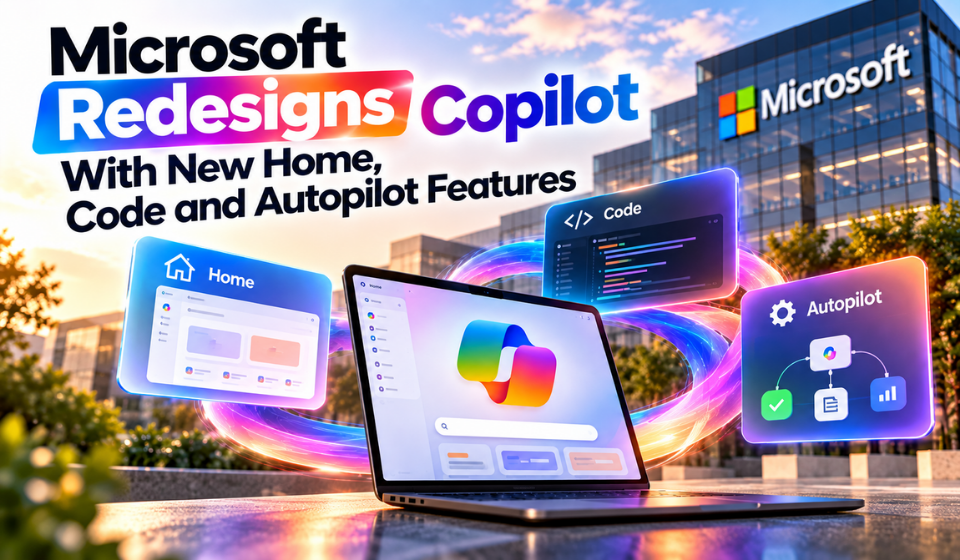
The new Copilot brings together Home, Code and Autopilot, giving users different ways to handle everyday questions, build digital tools and delegate longer-running assignments. Microsoft is also introducing usage-based billing for selected advanced AI capabilities.
Copilot Expands Beyond Traditional Chat
The familiar Copilot chat experience remains available for tasks such as drafting, summarising information and answering questions.
For more involved work, Microsoft is introducing Cowork. Rather than responding to one prompt at a time, Cowork is designed to handle assignments that require multiple steps.
Microsoft is also integrating Word, Excel and PowerPoint into the Copilot experience. This allows users to work with Microsoft 365 content while using Copilot as a central interface.
The company is therefore positioning Copilot as more than a question-and-answer tool, with different capabilities designed around different types of work.
Code Helps Create Digital Tools
Another major addition is Code, which is designed to help users create applications and workplace tools through natural-language instructions.
Instead of starting with traditional programming, users can describe what they want to build. Examples include dashboards, trackers and workflows.
Copilot can then work on the requested solution in a sandboxed environment. Microsoft says the feature uses technology associated with GitHub Copilot.
This could be useful for employees who need small internal tools but do not have extensive software-development experience.
Code is being introduced through Microsoft’s Frontier early-access program, so availability is currently limited.
Autopilot Targets Longer-Running Work
Microsoft is also developing Autopilot, previously known as Scout.
The feature is designed for assignments that may continue beyond a single interaction. Users can provide an objective and allow the agent to work toward that goal over a longer period.
Potential uses include following project discussions, monitoring activities and helping with ongoing coordination.
Microsoft says Autopilot has its own identity, memory, computer and workspace. Organizations can also apply administrative controls to manage how the capability is used.
Autopilot remains a preview feature, meaning its functionality and availability may change before a wider release.
How Copilot Credits Work
Microsoft is also changing how certain advanced AI workloads can be consumed.
Everyday Copilot activities remain covered by applicable subscription licensing. Standard tasks such as drafting and summarisation do not automatically become separately billed requests.
However, selected advanced capabilities can use Copilot Credits under a usage-based billing model. Microsoft identifies experiences including Cowork, Code and Autopilot among those that can fall under this system.
The important point is that Microsoft is not making every Copilot interaction pay-per-use. The applicable billing treatment depends on the particular feature and the organization’s configuration.
November 2 Billing Change
A separate licensing change is scheduled for November 2, 2026.
From that date, usage-based billing will become the default for new Microsoft 365 Copilot Business licenses purchased through Microsoft’s Cloud Solution Provider (CSP) channel.
This does not represent a universal pricing change for every Copilot customer.
Existing customers and organizations purchasing licenses through other channels can have different arrangements. Businesses should therefore check their specific licensing terms before estimating future AI costs.
Microsoft Adds AI Cost Controls
Greater use of AI agents also creates a need for better spending management.
Microsoft is expanding FinOps for AI, which provides organizations with tools to monitor AI usage and establish spending policies.
These controls can help administrators manage access to usage-based Copilot capabilities and keep track of consumption across users and groups.
This is particularly relevant as companies begin experimenting with AI systems that can perform multiple tasks rather than simply return one response.
What the New Copilot Includes
| Capability | Purpose |
| Chat | Everyday questions, writing and summaries |
| Cowork | Multi-step delegated work |
| Code | Building applications and workflows |
| Autopilot | Longer-running AI assignments |
| Office integration | Working with Word, Excel and PowerPoint |
| FinOps for AI | AI usage and spending management |
The combination gives Microsoft a broader framework for deploying AI across different workplace scenarios.
Rollout Is Still Underway
Not every new Copilot capability is available to all users.
Home and Code are being introduced through Frontier, while Autopilot is entering private preview.
Microsoft is also developing Today, which is intended to provide users with a personalised view of information from areas such as email, calendars, meetings, Teams activity and tasks.
Because several of these features remain in early access or preview, their availability and capabilities can change as Microsoft develops them further.
FAQs
What is new in Microsoft Copilot?
Microsoft is adding Home, Code and Autopilot while expanding Copilot’s ability to support delegated work, software creation and longer-running tasks.
What is Copilot Code?
Code allows users to describe applications, dashboards, trackers and workflows in natural language and have Copilot work on creating them in a controlled environment.
What is Copilot Autopilot?
Autopilot is a preview capability designed to work toward defined objectives over longer periods rather than responding only to individual prompts.
Will every Copilot task have an additional charge?
No. Everyday Copilot use remains covered by applicable subscription licensing. Selected advanced features can use Copilot Credits through usage-based billing.
Who is affected by the November 2 change?
The announced change applies to new Microsoft 365 Copilot Business licenses purchased through CSP beginning November 2, 2026.
Conclusion
The redesigned Microsoft Copilot is moving toward a broader workplace AI model in which users can ask questions, delegate work, create software and eventually hand over longer-running assignments.
Code gives Copilot a role in building digital tools, while Autopilot explores more persistent AI assistance. Cowork adds another layer for multi-step workplace tasks, and Microsoft’s Office integrations keep familiar productivity applications within the broader experience.
The company is also introducing usage-based billing for selected advanced capabilities while maintaining subscription coverage for everyday Copilot functions. The November 2 change specifically concerns new Microsoft 365 Copilot Business licenses purchased through CSP.
With several features still in preview or early access, Microsoft’s Copilot strategy is continuing to develop as the company explores how AI can take on a larger role in workplace productivity.