

Google Photos Adds Redact, Moods and AI-Powered Features
Table of Contents
Google is expanding Google Photos with a collection of new tools aimed at improving photo editing, privacy, organisation and creative image generation. The latest additions include a Redact tool for hiding sensitive information, new Moods styles, an expanded Wardrobe experience and additional AI-powered features.
The update also introduces new Remix templates for creating stylised images. Availability varies depending on the feature, platform, subscription and country.
Google Photos Adds a Redact Tool
One of the most useful additions to Google Photos is the new Redact tool, which is being introduced through an enhanced Markup experience.
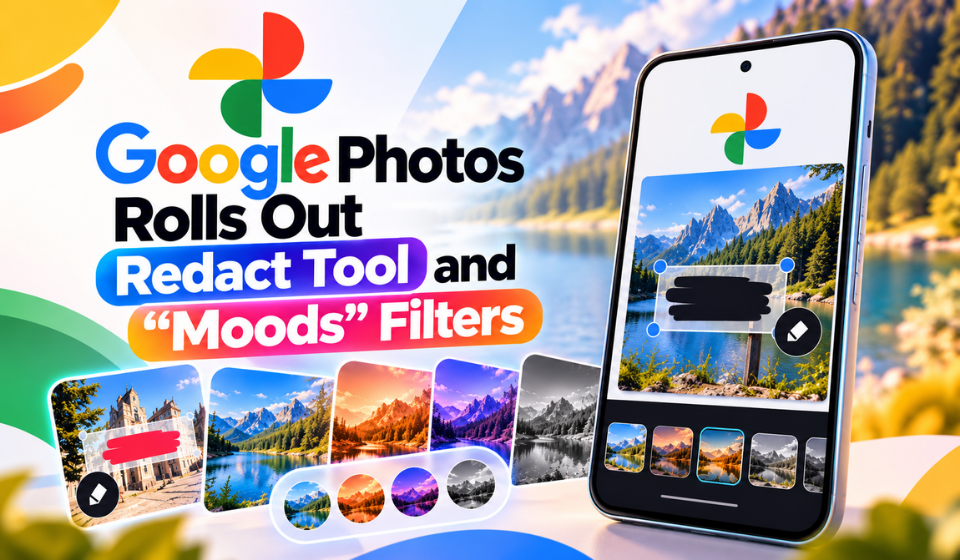
Redact allows users to select part of an image and pixelate it. This can be useful when sharing a screenshot or photograph that contains information someone does not want others to see.
Potential examples include:
- Vehicle licence plates
- Home or postal addresses
- Personal information visible in screenshots
- Other sensitive details captured in photographs
The Markup improvements also provide additional editing controls. Users can adjust the thickness of pens and highlighters, while the text tool receives more font options.
Google says these Markup improvements are rolling out globally on Android.
Moods Adds New Styles to Photos
Google is also adding Moods, a collection of visual styles designed to give photographs different appearances.
Instead of simply applying a fixed filter, Moods is designed to adjust its treatment according to the individual image. Users can also modify the intensity of the effect and combine elements from different styles.
Some of the available styles include:
| Moods Style | Visual Direction |
| Crisp 35mm | Film-inspired appearance |
| 2000’s Night | Early-2000s nighttime style |
| Retro Contrast | Vintage-style contrast |
| Night Light | Low-light treatment |
| Blue Haze | Cool, atmospheric appearance |
| Rich Textures | More pronounced texture |
These controls give users more flexibility when experimenting with the appearance of their photographs.
Google Photos Expands Wardrobe
Another major addition to Google Photos is the expanded Wardrobe feature.
Wardrobe uses AI to identify clothing and jewellery appearing in photographs and organise those items into a digital collection. Instead of manually cataloguing individual pieces, users can browse items identified from their existing photo library.
The feature can also help users explore clothing categories, create outfit combinations and access virtual try-on capabilities.
Wardrobe is currently available to Google AI Pro and Ultra subscribers on Android and iOS in the United States, India and Brazil.
Gemini Spark Brings AI Photo Management
Google is also expanding the connection between Gemini Spark and Google Photos.
Eligible users can interact with their photo libraries using natural-language instructions. Rather than manually searching through albums or navigating multiple editing options, users can describe what they want the system to find or change.
For example, a user could ask Spark to find holiday selfies, make an edit to selected images and organise them into a shared album.
This approach makes photo management more conversational by allowing users to describe an intended result instead of manually navigating through different tools.
Gemini Spark integration is rolling out to Google AI Pro and Ultra subscribers in the United States.
Remix Gets More Creative Templates
The latest Google Photos update also expands Remix with 15 additional templates.
The templates are aimed at creative projects and can be used to create formats such as photo-booth images, birthday cards and red-carpet-inspired visuals.
Remix is available on Android and iOS in selected countries, meaning availability can vary depending on location.
The addition gives users another way to transform existing photographs into more stylised images without having to create those designs manually.
More AI Features for Photo Libraries
Taken together, these additions show how Google is adding more AI-powered functions to its photo platform.
Traditional tools such as Markup remain useful for straightforward editing, while features such as Moods and Remix focus on creative changes. Wardrobe and Gemini Spark take a different approach by using AI to understand the content of a user’s photo library and make it easier to interact with that collection.
However, not every feature is available to every user. Some require a Google AI subscription, while others are limited to particular platforms or countries.
FAQs
What is the new Redact tool in Google Photos?
Redact is an editing feature that pixelates selected areas of an image. It can help users hide information such as licence plates, addresses and other sensitive details before sharing a photograph.
What are Moods in Google Photos?
Moods is a collection of visual styles that can change the appearance of photographs. Users can adjust the intensity and combine elements from different styles.
What is Google Photos Wardrobe?
Wardrobe uses AI to identify clothing and jewellery in photographs and organise those items into a digital collection. It can also help users create outfit combinations and access virtual try-on features.
Where is Wardrobe available?
Wardrobe is available to Google AI Pro and Ultra subscribers on Android and iOS in the United States, India and Brazil, according to the supplied rollout information.
What can Gemini Spark do with Google Photos?
Gemini Spark allows eligible users to interact with their photo collections using natural-language instructions, including finding, editing and organising photographs.
Who can use the new Remix templates?
The additional Remix templates are available to users aged 18 and above on Android and iOS in selected countries.
Conclusion
The latest Google Photos additions expand the app beyond traditional photo storage and editing. Redact provides a way to obscure sensitive information, while Moods and Remix offer additional creative controls.
At the same time, Wardrobe and Gemini Spark demonstrate Google’s growing use of AI to organise and interact with personal photo collections.
Availability differs by feature, subscription, platform and country, but the additions show Google continuing to combine conventional photo-management tools with AI-assisted editing, discovery and creative features.