

Google Photos Brings a Personalizable Makeover to Its ‘Collections’ Tab
Table of Contents
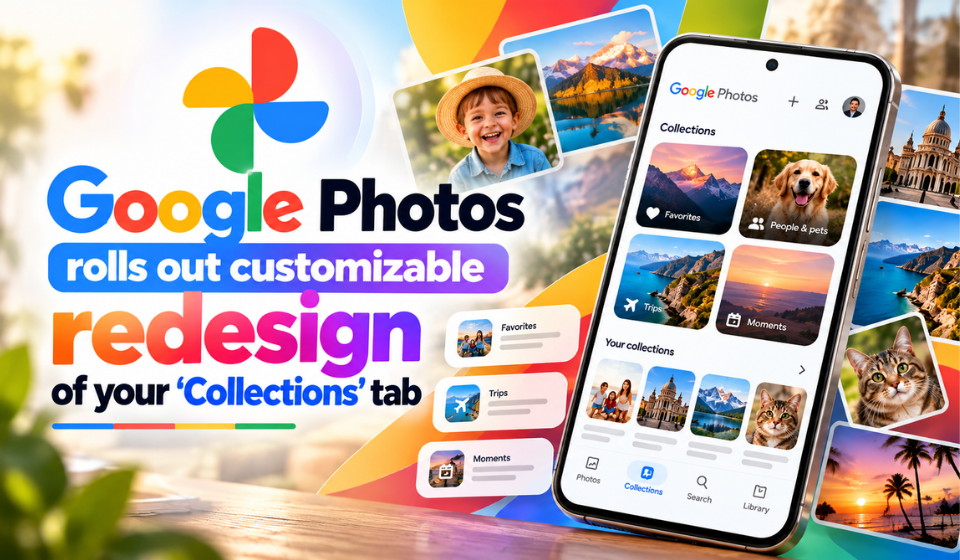
Google Photos is introducing a redesigned Collections tab for Android, bringing new ways to adjust the app’s layout. The update reportedly includes controls for pinning items, changing the order of supported sections, and hiding categories that users do not want displayed prominently.
Users can now decide how the Collections screen is organized, rather than sticking with the default arrangement the app ships with.
A Redesigned Collections Interface
The Collections tab brings together different categories of content in Google Photos. With the latest changes, users can modify aspects of the interface to create an arrangement that better reflects their preferences.
The updated design focuses on layout flexibility, allowing selected content to receive more attention while other sections can be moved or hidden where supported.
Pin Items for Quicker Access
The new Pinned section is one of the most noticeable additions to the redesigned interface. Positioned near the top of Collections, it provides a dedicated space for items users choose to highlight.
This gives users an additional way to organize the screen, particularly when they want specific albums or folders to remain visible without relying on their default placement.
Manage the Visibility of Collections
Another addition lets you shuffle the position of certain sections and move the ones you rarely open out of your primary view.
The interface includes a View all option for reaching the broader list, alongside an Other Collections section that groups additional categories together.
Hiding a category doesn’t make it disappear for good, since the full list of collections is still one tap away.
How to Explore the New Design
Using an Android phone? Follow these quick steps to find out whether the updated layout has arrived on your device:
- Launch Google Photos.
- Select the Collections tab.
- Check for the Pinned section and any new layout settings.
- Tap through the new controls to see which personalization options you can use.
Don’t see the new controls? Head to the Google Play Store and update Google Photos to the newest version. Feature availability may still vary because Google releases some updates in stages.
When Will Users Get the Update?
The reported changes concern Google Photos on Android. Google often enables new features for different accounts at different times, so a friend may see the redesign days before you do. Even after updating the app, some features may stay hidden on your account until Google switches them on for you.
Users who do not see the redesigned Collections tab may need to wait until Google makes the feature available to their account.
Frequently Asked Questions
1. What features does the redesigned Collections tab offer?
Reported additions include a Pinned section, controls for hiding selected sections, and options to rearrange supported items.
2. Where can I find the Pinned section?
Open Google Photos and select Collections. When the redesign is live for your account, you’ll spot the Pinned section sitting close to the top of the tab.
3. Can I change the order of collections?
The reported redesign includes options to rearrange supported sections. The exact controls may vary depending on the version available to you.
4. Does everyone have access to the redesign?
Not yet. Google tends to roll out changes in phases, so some users will see the new interface ahead of the rest.
5. Is the redesign available on iOS?
The reported rollout focuses on Android. Nothing has been announced for iPhone so far, so it’s worth watching for any news from Google about an iOS version.
Conclusion
Google Photos is giving the Collections tab a refresh with new layout options that make it easier to organize the app to your liking. As more Android users receive the update, it will be interesting to see how these new controls shape the way collections look and feel in everyday use.