
Google Antigravity Googlebook App Arrives on the Play Store
Table of Contents
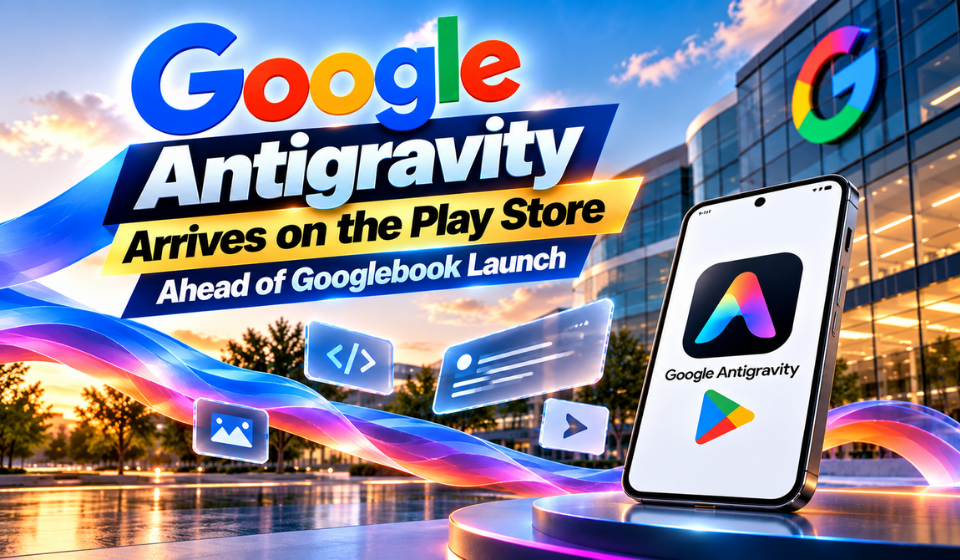
Google Antigravity has expanded onto Googlebook through the Play Store, giving developers another way to access Google’s agent-focused software development environment. The move arrives alongside Google’s new laptop platform, which combines Android foundations with desktop capabilities and a Linux workspace.
For developers, the important change is convenience. Instead of treating an AI development environment as something limited to traditional desktop systems, Google is bringing Antigravity into the Googlebook experience. The application can work with the laptop’s Linux environment, allowing users to build and deploy software from the same device.
What Is Google Antigravity?
Google Antigravity is designed around software agents that can assist with development tasks. Rather than functioning only as a conventional coding editor, the platform provides an environment where users can direct agents, review their work, and customize how they operate.
Google introduced Antigravity 2.0 at I/O 2026 in May. Since then, the platform has continued to receive updates and new capabilities. Its ecosystem includes desktop applications for macOS, Windows, and Linux, while the Googlebook release adds a native interface for the laptop category.
The Play Store listing identifies the package as com.google.android.apps.antigravity. The reported application version is 2026.09.23.988012583.
Why the Googlebook Release Matters
The biggest attraction is the combination of a graphical Antigravity experience and Googlebook’s built-in Linux environment. Google says users can develop and deploy applications directly from the laptop, creating a workflow that keeps coding, testing, and agent interaction in one place.
This is especially relevant because Googlebook is being positioned as more than a conventional Android laptop. Antigravity therefore fits naturally into the platform’s development strategy.
Important points include:
• Native Play Store access on compatible Googlebook devices
• Connection with the laptop’s Linux development environment
• Ability to create and deploy applications
• An interface based on Antigravity’s wider desktop experience
• Additional command-line options for developers who prefer terminals
Compatibility and Available Developer Tools
At launch, Google Antigravity is associated with Googlebook OS rather than ordinary Android phones. Its interface could potentially be useful on larger Android devices such as tablets or foldables, but the available information does not establish dedicated support for those form factors.
Developers are not restricted to the native application, either. Googlebook also provides a Linux environment where users can install development software. Antigravity’s Linux edition can be used there, alongside tools such as Claude Code and OpenAI Codex. Google also highlights access to the Antigravity command-line interface through the terminal.
| Option | Environment | Purpose |
| Antigravity app | Googlebook OS | Graphical agent workflow |
| Linux edition | Googlebook Linux | Full development environment |
| Antigravity CLI | Terminal | Command-line agent control |
| Claude Code | Linux | AI-assisted programming |
| OpenAI Codex | Linux | Agent-based coding |
This variety means users can select a workflow according to their preferred development style. A newcomer may favor the application interface, while experienced developers can combine Linux tools and terminal commands.
What Could Change Next?
One question concerns feature parity. The desktop editions of Antigravity have been evolving quickly, so the Googlebook application may not always offer precisely the same capabilities at the same time.
However, Google’s development pace means features, compatibility, and supported workflows can change through future updates.
Another consideration is screen size. Googlebook is fundamentally a laptop platform, so the current design appears better suited to larger displays. Whether Google eventually adapts Antigravity for smaller screens remains uncertain.
Improvements to agents, terminal integration, project handling, and deployment could determine how useful the application becomes for regular software work.
FAQs
Is Google Antigravity available on Googlebook?
Yes. The application is available through the Play Store for Googlebook OS, providing a native interface for supported laptops.
Can Google Antigravity create applications?
Yes. Google positions Antigravity as a development platform that can help users build and deploy applications on Googlebook.
Can it run with Linux tools?
Yes. Googlebook includes a Linux environment, allowing developers to use the Linux edition of Antigravity and other coding tools.
Is there a phone version?
The current release is associated with Googlebook OS. Dedicated phone availability has not been established.
Does the app have every desktop feature?
That is not yet clear. Because Antigravity receives frequent updates, capabilities may differ between platforms and change over time.
Conclusion
Google Antigravity’s arrival on the Play Store gives Googlebook users a direct route into agent-assisted software development. The combination of a native interface, Linux support, and terminal-based alternatives makes the platform more flexible for different types of developers.
For developers, the most significant benefit is having development tools and AI agents available within one machine.
As Googlebook adoption grows and Antigravity continues to evolve, future updates will show whether the application can maintain close feature alignment with its desktop counterparts.