

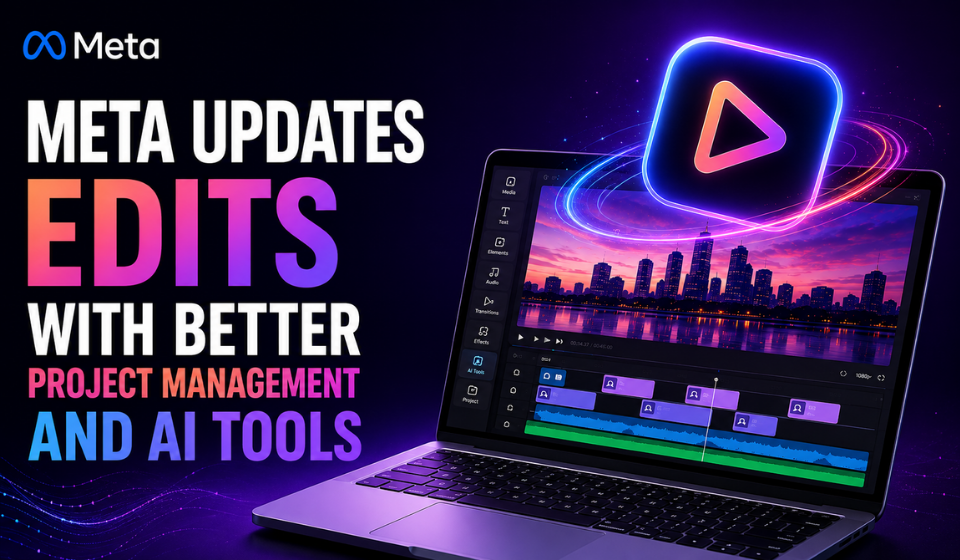
Meta Expands Edits Video App With AI Animation, Templates and More
Table of Contents
Meta has announced another round of updates for its Edits video editing app, adding new organization, AI-powered creation and customization features.
The company has continued to introduce new capabilities to Edits on a regular basis, expanding the app beyond basic video editing and positioning it as a broader tool for creators.
The latest Meta Edits update includes improved project folders, an AI feature that can turn still images into video clips, reusable text styles, enhanced caption options, audio discovery tools and more flexible project templates.
Easier Project Organization
The latest update makes it easier for creators to manage multiple video projects.
Users can now long-press a project and move it to change the order in which projects appear. This allows creators to prioritize active projects and organize their workflow more efficiently.
For creators working on several videos simultaneously, the ability to rearrange projects could make it easier to locate current projects without having to search through an unordered list.
AI Can Turn Images Into Video
One of the more notable additions is an AI-powered image-to-video feature available to users in the United States.
The tool allows users to take a still image and describe the action they want to see using conversational prompts. Meta’s AI system can then animate the image according to the requested movement.
This gives creators a way to transform static photos or artwork into short video sequences without manually creating the animation frame by frame.
The feature adds another generative AI capability to Edits and could be useful for creators looking to add motion to existing visual assets.
Save Text and Caption Styles
Edits is also making text customization easier with a new bookmarking option.
Users can tap the bookmark icon on a text frame to save a preferred text or caption style. The saved style can then be reused in future projects.
This could be particularly useful for creators who want to maintain a consistent visual identity across multiple videos without repeatedly recreating the same text formatting.
Improved Captions and Audio Discovery
Meta has also highlighted the continued development of Edits’ bilingual captioning tools, alongside other text-display features.
The app is expanding its audio discovery capabilities as well. Users can search for audio based on descriptive “vibes,” such as chill or bossy, as well as interests including fashion and travel.
This approach is intended to make finding suitable audio more intuitive for creators who may not know the exact name of a track.
More Flexible Projects and Templates
Another addition allows users to create multiple versions of the same project.
This can help creators experiment with different edits without having to overwrite their original work. For example, a creator could produce alternative versions of a video for different platforms, audiences or creative approaches.
Edits is also expanding its template capabilities with features such as overlays and clip locking. Locking specific clips can help creators preserve important elements of a project while making changes to other parts of the timeline.
Key Features in the Latest Meta Edits Update
| Features | What It Does |
| Project reordering | Lets users rearrange projects by long-pressing them |
| Image-to-video AI | Animates still images using conversational prompts |
| Text bookmarks | Saves text and caption styles for reuse |
| Bilingual captions | Expands multilingual captioning capabilities |
| Vibe-based audio search | Helps users discover audio by mood and interests |
| Multiple project versions | Allows creators to experiment with different edits |
| Enhanced templates | Adds overlays and clip-locking capabilities |
FAQs
What is the Meta Edits app?
Edits is Meta’s video editing application designed to help creators produce and customize short-form video content.
What is new in the latest Meta Edits update?
The update adds project reordering, AI-powered image-to-video creation for US users, reusable text styles, improved caption options, audio discovery and enhanced project templates.
Can Edits turn a photo into a video?
Yes. For users in the United States, the new AI feature can animate a still image based on a conversational prompt describing the desired action.
Can creators save text styles?
Yes. Users can bookmark text and caption styles within a project and reuse them later.
Can users create different versions of one project?
Yes. Edits now allows creators to create multiple versions of a project, making it easier to experiment with different edits.
Conclusion
The latest Meta Edits update continues Meta’s effort to turn Edits into a more capable video creation platform. The combination of AI-powered image animation, reusable text styles, improved captions, smarter audio discovery and flexible project management gives creators more options throughout the editing process.
The addition of conversational image-to-video creation is particularly notable, while features such as project versioning, clip locking and reusable styles focus on making everyday editing more efficient. As Meta continues updating Edits, the app is becoming an increasingly comprehensive tool for creators looking to produce and refine video content.