


Table of Contents
OpenAI has rolled out a significant update to the ChatGPT desktop application, introducing GPT Voice to make workplace conversations more natural and productive. The new feature allows users to speak directly with ChatGPT instead of typing, creating a seamless experience for brainstorming, planning projects, reviewing documents, and solving everyday work challenges.
Voice AI has rapidly evolved over the past year, and OpenAI’s latest desktop enhancement reflects the growing demand for conversational productivity tools. Whether you’re drafting emails, preparing presentations, coding, or organizing your daily schedule, GPT Voice aims to make interactions faster and more intuitive.
What Is GPT Voice in the ChatGPT Desktop App?
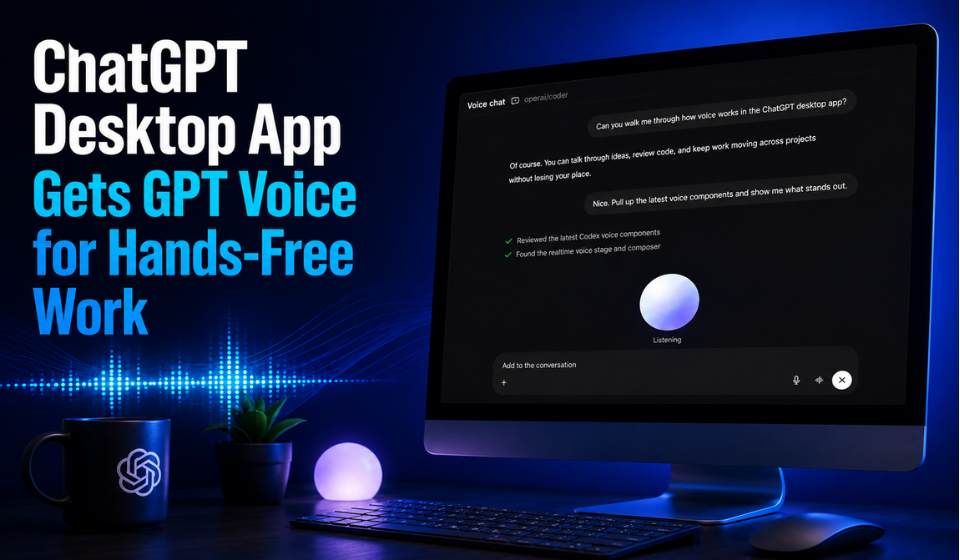
GPT Voice transforms the desktop version of ChatGPT into an interactive AI assistant that users can talk to naturally. Rather than typing prompts, users simply speak, and ChatGPT responds with realistic voice interactions while maintaining the same intelligence and contextual understanding available through text.
The update is designed for professionals who spend long hours at their computers and want a more efficient way to collaborate with AI.
Some of the standout capabilities include:
- Hands-free conversations with ChatGPT
- Brainstorming ideas in real time
- Summarizing documents and reports
- Coding assistance through voice prompts
- Drafting emails and professional content
- Planning meetings and organizing tasks
- Natural follow-up questions without restarting conversations
- Faster multitasking during work sessions
This conversational workflow helps reduce typing while allowing users to focus on creative thinking and decision-making.
Key Features of the GPT Voice Update
| Feature | Benefit |
| Natural Voice Conversations | Speak to ChatGPT as you would to a colleague |
| Desktop Integration | Works directly within the ChatGPT desktop application |
| Context Awareness | Maintains conversation history for smoother discussions |
| Productivity Assistance | Helps with writing, coding, planning, and research |
| Hands-Free Workflow | Ideal for multitasking and busy professionals |
| Real-Time Responses | Faster collaboration without constant typing |
The update builds upon OpenAI’s ongoing efforts to make AI assistants feel more conversational and useful for everyday work. Instead of treating ChatGPT as a simple chatbot, users can now engage in continuous discussions that feel closer to working with a human collaborator.
How GPT Voice Can Improve Workplace Productivity
Voice interaction isn’t just about convenience—it can significantly improve workflow efficiency. Professionals often think faster than they type, making voice conversations a practical alternative for idea generation and problem-solving.
Here are several ways GPT Voice can enhance daily work:
- Brainstorm marketing campaigns while walking through ideas aloud
- Review project plans without switching between multiple windows
- Get instant coding guidance during development
- Summarize lengthy reports in seconds
- Practice presentations through interactive conversations
- Generate meeting agendas and action items
- Refine business proposals using spoken feedback
Because conversations happen naturally, users can quickly ask follow-up questions, clarify responses, and expand on ideas without repeatedly typing detailed prompts.
Why This Update Matters
The addition of GPT Voice to the ChatGPT desktop app represents another step toward making AI a true workplace companion rather than just a text-based assistant. As voice technology becomes increasingly accurate and responsive, professionals can interact with AI in ways that better match how they naturally communicate.
This update also reflects the broader shift toward multimodal AI, where text, voice, and visual interactions work together to improve productivity. For businesses, students, developers, writers, and remote teams, GPT Voice offers a faster and more engaging way to collaborate with artificial intelligence.
As OpenAI continues enhancing the ChatGPT desktop experience, voice-powered workflows are likely to become a standard feature of modern productivity. By combining intelligent conversation with desktop accessibility, GPT Voice helps users work smarter, think faster, and accomplish more with less effort.