


Table of Contents
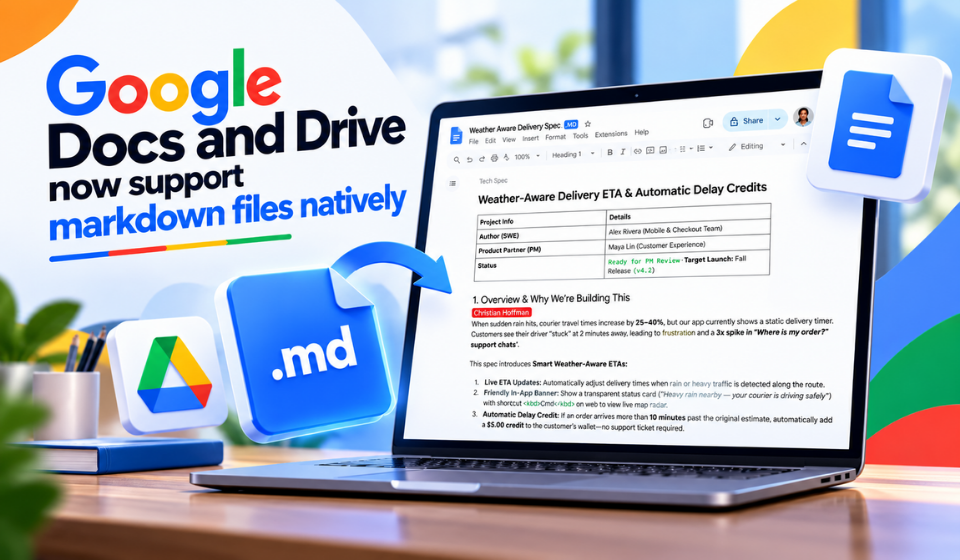
Google is making it easier for users to work with Markdown files by bringing native Markdown support to Google Docs and Google Drive. The update is particularly useful for developers, technical writers, content creators, students, and teams that regularly switch between plain-text Markdown and traditional documents.
Markdown has become a popular way to format content because it is lightweight, easy to read, and simple to convert into other formats. With Google Docs Markdown support, users can bring Markdown-based workflows closer to the familiar Google Workspace environment.
What Does Google Docs Markdown Support Mean?
Markdown uses simple characters to create formatting. For example, users can create headings with #, bold text with **, and bullet lists with -.
With native support, working with Markdown files becomes more convenient for people who already use tools such as code editors, documentation platforms, and Git-based workflows.
| Feature | Benefit |
| Markdown file support | Work with Markdown content more easily |
| Google Drive integration | Store and organize Markdown files |
| Google Docs workflow | Edit and collaborate on document content |
| Simple formatting | Maintain lightweight text-based formatting |
| Cloud access | Access files across supported devices |
Why Google Drive Markdown Files Matter
The biggest advantage is workflow flexibility. Users no longer have to treat Markdown and Google Workspace as completely separate environments.
Google Drive Markdown support can be especially helpful for:
- Technical documentation
- Software project notes
- Blog drafts
- Meeting notes
- Research materials
- Educational content
- Product documentation
- Collaborative writing
For teams, storing Markdown-related content in Drive can also make file organization and sharing easier.
Markdown vs. Traditional Documents
Markdown remains popular because it keeps formatting simple and portable. Traditional word processors, meanwhile, offer powerful visual editing and collaboration features.
The two approaches serve different purposes:
- Markdown: Lightweight, portable, developer-friendly
- Google Docs: Rich formatting, collaboration, comments, and editing
- Google Drive: Centralized cloud storage and file organization
This makes the new capability particularly interesting for users who need both Markdown portability and Google Workspace collaboration.
How This Could Change Content Workflows
The ability to work with Markdown files through Google’s ecosystem could reduce unnecessary file conversions. A writer might create content in Markdown, store it in Drive, and then use Google Docs when richer collaboration or editing is required.
For developers and documentation teams, this can make it easier to connect technical content with everyday workplace tools.
Key Benefits at a Glance
- Simpler file management – Keep Markdown content alongside other Workspace files.
- Better collaboration – Share documents through a familiar Google environment.
- Flexible workflows – Move between plain-text and rich-document workflows more easily.
- Greater accessibility – Make Markdown content easier for non-technical collaborators to work with.
Frequently Asked Questions
Can Google Docs work with Markdown files?
Google’s expanded Markdown capabilities make it easier to work with Markdown-based content within the Google Workspace ecosystem.
Why is Markdown popular?
Markdown is popular because it is lightweight, readable as plain text, easy to edit, and widely supported by modern publishing and development tools.
Who can benefit from Google Drive Markdown support?
Developers, writers, students, documentation teams, researchers, and businesses that regularly use Markdown can benefit from easier cloud-based file management and collaboration.
Final Thoughts
The arrival of native Markdown support in Google Docs and Drive represents a useful step toward connecting lightweight, text-based workflows with Google’s collaborative productivity tools. For anyone who regularly works with Markdown files, the change could make content management, sharing, and collaboration more convenient.
As Markdown continues to play an important role in software development, documentation, publishing, and content creation, better integration with mainstream productivity platforms could make these workflows accessible to an even wider audience.