


Table of Contents
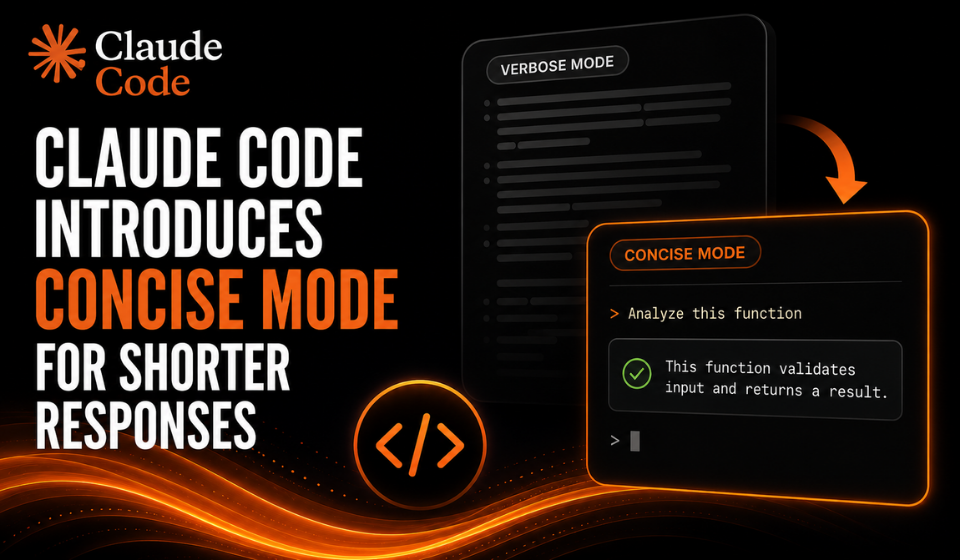
Anthropic has added a built-in Concise output style to Claude Code, giving developers a new way to control how the coding assistant communicates during development sessions.
The Concise style makes Claude Code lead with the result, skip preamble and narration, and keep responses short by default. Anthropic’s documentation also states that the engineering work remains as thorough as in the Default style.
The feature requires Claude Code version 2.1.237 or later.
How Claude Code Concise Works
The new style changes how Claude Code presents its responses rather than changing the underlying knowledge of the model. Anthropic describes output styles as settings that modify Claude Code’s system prompt to control its role, tone and output format.
With Claude Code Concise, the assistant prioritizes the result and avoids unnecessary introductory narration. When a user asks for an explanation or more detail, Claude can provide a fuller response.
Anthropic also specifies that complete error reports, security warnings and confirmations for destructive actions remain intact under the Concise style.
How to Enable Concise Mode
Users running a compatible version of Claude Code can select the style through the configuration menu:
/config → Output style → Concise
The setting can also be configured directly in a settings file:
{
“outputStyle”: “Concise”
}
The standalone /output-style command is no longer the recommended method. Anthropic says it was deprecated in version 2.1.73 and removed in version 2.1.91, with /config or the outputStyle setting now used instead.
When Does the Setting Take Effect?
Output styles are part of Claude Code’s system prompt and are read when a session starts.
As a result, changing the output style does not immediately alter an existing conversation. Anthropic’s documentation says the change takes effect after using /clear or starting a new session.
This means developers who enable Concise mode may need to start a fresh session before seeing the change in responses.
Concise Does Not Mean Less Detailed Work
The Concise style is specifically focused on how Claude Code communicates its results.
Anthropic says the style keeps the engineering work as thorough as the Default style while making the responses shorter. Users can also request additional explanation when they need it.
This makes the setting useful for developers who prefer result-first responses while still wanting access to fuller explanations when a task requires them.
Key Details
| Features | Details |
| Tool | Claude Code |
| New style | Concise |
| Minimum version | 2.1.237 |
| Main change | Shorter, result-first responses |
| Engineering work | Designed to remain as thorough as Default |
| Enable through | /config → Output style → Concise |
| Settings option | “outputStyle”: “Concise” |
| Changes take effect | After /clear or a new session |
FAQs
What is Claude Code Concise?
Claude Code Concise is a built-in output style that makes Claude lead with results, skip preamble and narration, and keep responses short by default.
Which version supports the Concise style?
The feature requires Claude Code v2.1.237 or later.
How can I enable Claude Code Concise?
Use /config, select Output style, and then choose Concise. You can also set “outputStyle”: “Concise” in a settings file.
Does Concise mode reduce Claude Code’s engineering work?
Anthropic says the Concise style keeps the engineering work as thorough as the Default style. It primarily changes the way responses are presented.
Can Claude still provide detailed explanations?
Yes. Anthropic states that when users ask for an explanation or more detail, Claude responds in full.
Conclusion
Claude Code Concise gives developers more control over the way the coding assistant communicates. Instead of lengthy preambles and narration, the style puts results first and keeps responses brief by default.
Importantly, Anthropic says the change is focused on response style while maintaining the thoroughness of the engineering work. Developers can enable it through /config or the outputStyle setting, provided they are using Claude Code v2.1.237 or later